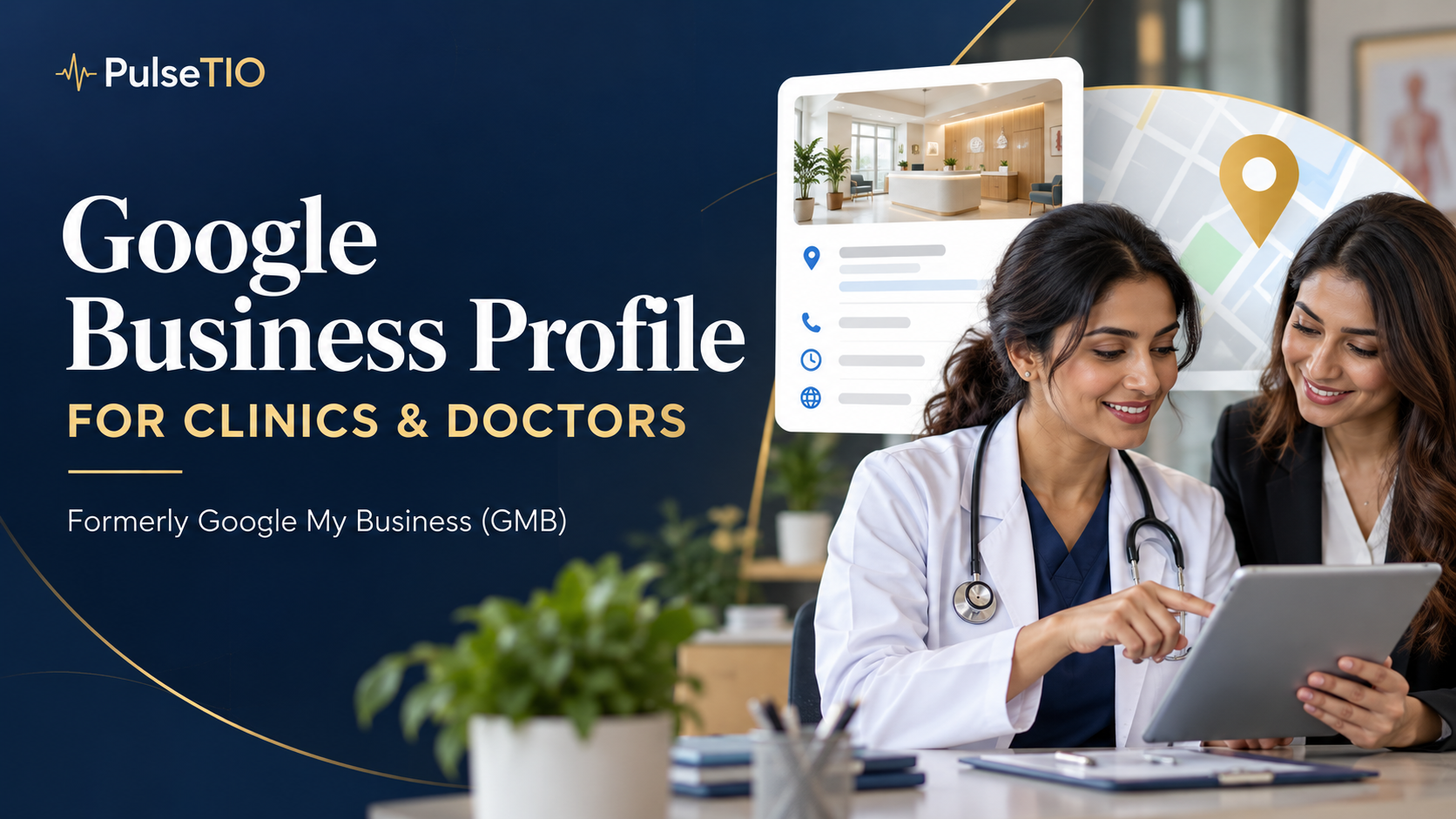
What Is Google Business Profile? A Guide for Clinics and Doctors
Understand Google Business Profile (formerly Google My Business or GMB), with practical guidance for clinics, doctors, dental practices, and patient reviews.
Google Business Profile is Google's free tool for managing how an eligible business appears in Google Search and Maps. Previously called Google My Business (GMB), it helps patients find a clinic, check its location, and read public reviews.
For a healthcare practice, the practical question is what patients need before contacting you: the correct entrance, a reliable phone number, clear services, and confidence that they have found the right clinic or doctor. This guide connects the basics of Google Business Profile with those everyday needs.
Google Business Profile vs. Google My Business: is GMB still the same thing?
Google Business Profile is the current name of the service formerly known as Google My Business. People still search for “Google GMB,” “GMB listing,” or “Google My Business for doctors.” These terms generally refer to the same business presence, rather than a second listing you need to create.
Start through Google's official Business Profile page. Creating a profile is free; advertising and services supplied by third parties can have separate costs. Be cautious about treating paid marketing offers as a requirement to keep your listing.
Why Google Business Profile matters for clinics and doctors
Imagine someone comparing two clinics after searching for care nearby. Before opening either website, they may check the map, location name, photographs, and comments from other visitors. A mismatch between a profile and the clinic's website can create uncertainty at precisely the moment they are deciding whom to contact.
A useful profile answers practical questions. Where should I go? Is this the practice I was referred to? How do I contact reception? Where can I learn about the doctor? Building confidence starts with answers your staff can keep accurate.
Our clinic reputation guide explains how the experience inside the practice connects with what patients share outside it.
Business Profile, clinic website, and patient feedback software compared
Channel | Main role | Example patient question |
|---|---|---|
Google Business Profile | Local discovery and public business information | Where is this clinic, and how do I contact it? |
Clinic website | Detailed information about the practice and its team | Who will I see, and what should I expect? |
Private patient survey | Structured feedback for service improvement | Can I explain what worked and what needs attention? |
Give each channel a clear job. A listing should lead to a useful website page, while a private survey should help the team learn from the experience. Public ratings alone cannot explain every part of a patient journey.
Should a clinic and its doctors have separate profiles?
Google distinguishes organizations from individual practitioners. A practitioner must be public-facing and directly contactable at the verified location. With several practitioners, the clinic and eligible doctors can have separate profiles; practitioner titles should use the doctor's name. For one practitioner representing a branded organization, Google recommends a shared brand-and-practitioner profile. Do not create separate practitioner profiles for each specialty. Review Google's representation guidelines before deciding.
Prepare a simple ownership sheet before making changes. Record the clinic, each doctor, each genuine location, the responsible manager, and the corresponding website page. This helps your team spot duplicate or abandoned entries without making hasty changes to established listings.
How to set up Google Business Profile for a medical practice
Search first. Check whether the clinic or doctor already has a listing before adding another.
Use a practice-controlled account. Record who is responsible for access and updates.
Follow the available claiming and verification steps. Use the options Google presents for that profile.
Check your real-world identity. Use the actual name and address, and select categories that describe the business. Keyword additions and virtual-office shortcuts can conflict with Google's guidelines.
Choose the right destination. Send visitors to a page that clearly identifies the practice or location they selected.
Test the patient journey. Open the listing on a phone and check the route from discovery to contacting reception.
Keep an internal record of changes, including who approved them. When an agency helps, make access responsibilities clear from the beginning so future staff changes do not leave the clinic without a known profile owner.
Google Business Profile optimization for clinics: a practical checklist
Start with accuracy rather than trying to place every medical keyword into the profile. Check the contact route against what reception actually uses. Review hours under Google's rules; appointment-only businesses are treated differently. Then assess the listing as a patient would.
Entrance and arrival: would a first-time visitor recognize the building and find the reception area?
Website destination: does the page match the selected branch or doctor?
Service clarity: can a visitor understand what the practice offers without unsupported claims?
Photographs: use suitable images of the setting and team, with permission where needed; avoid exposing patient information.
Routine maintenance: assign someone to check details after a move, staff change, or altered contact process.
For a clinic group, keep a separate audit record for each genuine location. One accurate branch does not solve a broken contact route at another.
Google Business Profile for doctors, dentists, and specialist clinics
The same basic process can be adapted to different practices. The examples below are planning suggestions, not a list of guaranteed Google category names or ranking tactics.
Practice | Patient information to make easy to find | Useful website destination |
|---|---|---|
Individual doctor | Identity, practice location, and contact route | A current doctor biography and appointment information |
Dental clinic | Arrival instructions and how to enquire about care | A branch page with team and service information |
Dermatology or specialist clinic | Scope of services and how to contact the practice | A relevant specialty page with clear, responsible descriptions |
Multiple-location clinic group | The correct branch and its reception contact | The specific location page rather than a confusing generic destination |
Ask reception which questions recur before a first visit. Those questions are often a better starting point for website improvements than repeating the same location keyword throughout every paragraph.
How does Google rank clinics in local search?
Google describes local ranking through relevance, distance, and prominence. Complete information helps it understand the business; distance relates to the searcher's location; prominence includes signals such as links and reviews. Google says businesses cannot request or pay for a better local ranking. See its local ranking guidance.
Treat profile maintenance as an ongoing operating task. No checklist can guarantee first place for “doctor near me.” Assess visibility alongside whether the listing helps suitable patients reach the right practice.
Collect honest patient reviews and protect privacy
Google permits requests for genuine reviews but prohibits incentives and selectively soliciting positive feedback. Do not use a private survey score to decide who receives a public review invitation. These rules are described in Google's review content policy.
A neutral invitation could say:
If you would like to share your experience with [Clinic Name], you can leave an honest Google review here: [Review Link]. Participation is optional. Please avoid sharing personal medical information publicly.
Use the correct link for the location. Google provides review-request and response guidance, including protecting private information in public replies. Keep clinical concerns within the clinic's appropriate private process.
For your team, separate the task of acknowledging a public comment from investigating an underlying service concern. Our negative patient feedback guide offers a practical follow-up framework.
Measure discovery and experience together
Define what success means before changing the profile. Keep a monthly record of available profile metrics and website activity, then compare them with enquiries your practice can reliably identify. A click is not necessarily an appointment, and a rise in reviews does not establish why patient volume changed.
Alongside discovery, track recurring experience themes: difficulty reaching reception, unclear directions, waiting, or follow-up communication. Choose one problem, assign an owner, and check whether the next round of feedback shows improvement. Our patient experience survey workflow guide explains how to move from invitation to action.
Where PulseTIO fits in your clinic's reputation strategy
Google Business Profile helps patients discover your practice and read public feedback. A structured patient feedback workflow helps your team understand the experience behind that reputation. When evaluating PulseTIO, use your own clinic's journey to assess survey delivery, reporting, and follow-up needs.
Read our patient feedback software guide, compare options with the software selection checklist, or explore the PulseTIO demo. Start with a clear feedback process, a maintained business listing, and a team that acts on what patients tell you.
Frequently Asked Questions
Common questions and answers regarding this topic.
Q.Is Google Business Profile the same as Google My Business?
Yes. Google Business Profile is the current name of the service formerly called Google My Business, often shortened to GMB. You do not need a second listing simply because the name changed.
Q.Is Google Business Profile free for clinics?
Creating a Google Business Profile is free. Advertising and third-party management services may have separate costs. Start with Google’s official Business Profile service.
Q.What should a clinic check before creating a doctor listing?
Check the existing clinic and practitioner listings, ownership, and Google’s individual-practitioner rules. Decide the appropriate profile structure before adding entries.
Q.How can dental and specialist clinics make their profiles more useful?
Help patients identify the correct practice, find its entrance, contact reception, and reach a useful website page. Adapt the information to the questions patients ask before visiting.
Q.Can patient survey scores determine who receives a Google review link?
No. Google prohibits selectively soliciting positive reviews. Keep public review opportunities independent of private satisfaction scores and make participation optional.