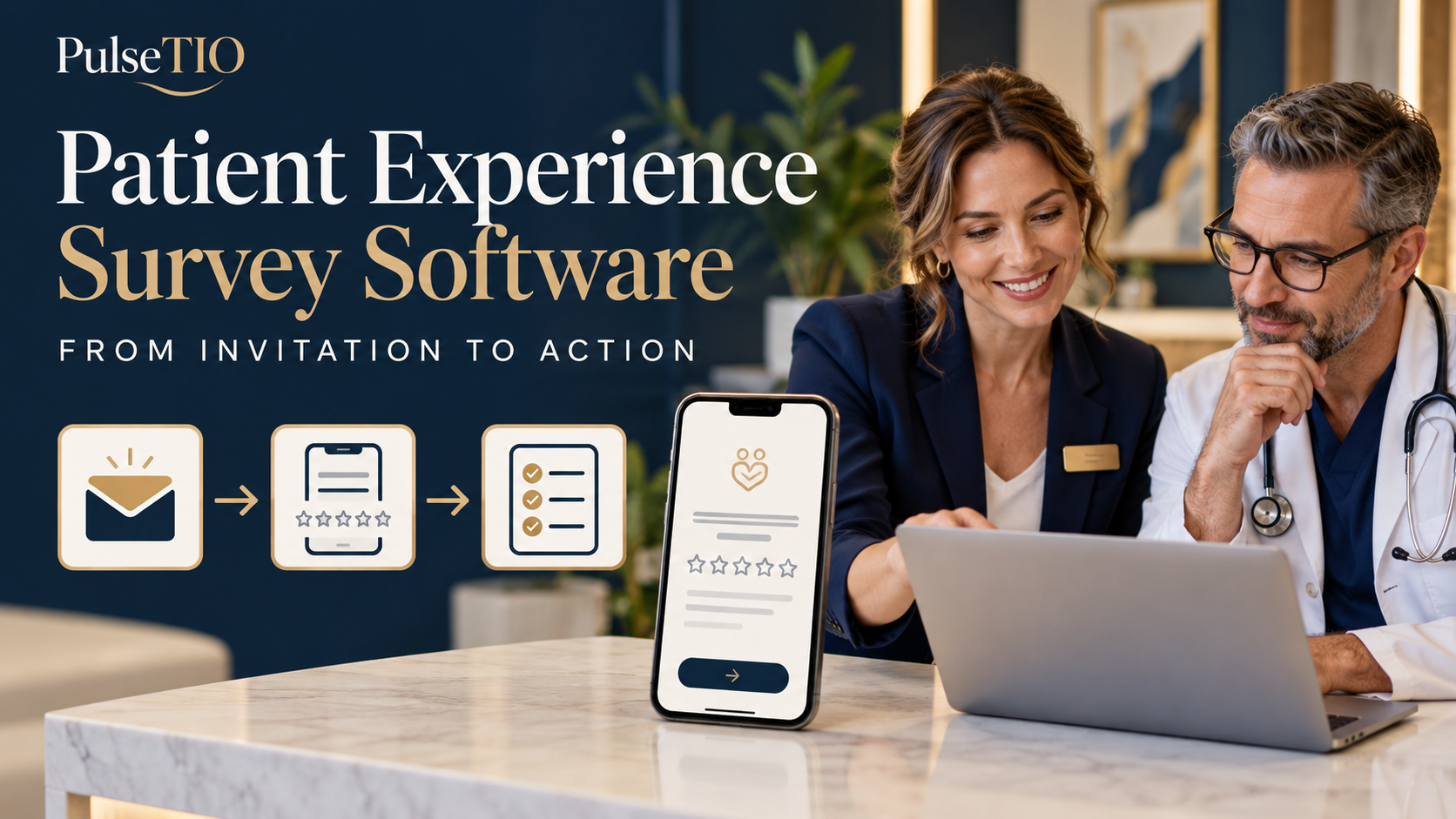
Patient Experience Survey Software for Clinics: From Invitation to Action
Build a clinic survey workflow from invitation to action: choose channels, ask focused questions, interpret feedback, and assign practical improvements.
Patient experience survey software helps clinics send relevant feedback invitations, collect structured responses, review patterns, and turn findings into practical changes. An effective workflow connects four stages: invite, collect, understand, and act. Each stage needs a clear purpose, an owner, and a way to check whether the process is working.
A completed survey is useful only when the clinic can do something with it. If patients report confusing follow-up instructions, a dashboard may reveal the issue, but someone still needs to review the comments, change the communication process, and check the next round of feedback.
This guide shows how to build that workflow, from the first invitation to a documented improvement. For an overview of the category, read our patient feedback software for clinics guide. If you are comparing vendors, use our 12 questions to ask before choosing patient feedback software.
What is patient experience survey software?
Patient experience survey software is a digital tool for gathering and organizing patients' reports about their interactions with a healthcare service. Depending on the platform, it may support survey creation, invitation delivery, multilingual responses, scoring, dashboards, and follow-up workflows.
Patient experience questions can ask what happened: whether instructions were clear, whether patients knew whom to contact, or how communication felt. Satisfaction questions ask how patients evaluated an interaction. Both can be useful, but a single satisfaction score should not stand in for the entire journey.
A general form builder may be sufficient for an occasional questionnaire. A dedicated platform becomes useful when the clinic needs repeatable delivery, relevant journey context, consistent reporting, and a dependable review process. Verify each capability rather than assuming that every patient survey tool includes it.
The workflow: invitation → response → insight → action
Stage | What the clinic does | What to check |
|---|---|---|
Invite | Send a relevant request at a defined journey stage | Who was invited, when, and through which channel? |
Collect | Offer a short, accessible survey | Can patients complete it easily and express concerns? |
Understand | Review scores, counts, and original comments | Which patterns are repeated and worth investigating? |
Act | Assign a change, an owner, and a review date | Was the action completed, and what does later feedback show? |
1. Choose the patient journey stage before writing the survey
Start with the experience you need to understand. A post-consultation survey can explore communication and reception. A later follow-up survey can explore whether patients understood the next steps and knew how to contact the clinic. These are different experiences and may need different questions.
After a consultation: clarity of explanations, waiting, reception, and next steps.
After treatment or discharge: communication about the care plan and practical instructions.
After follow-up: ease of contact and whether questions were addressed.
For international patients: language support and coordination across the relevant stages of the journey.
Choose one stage for the initial rollout. Define which patients are eligible and apply the same invitation rules consistently. Inviting only patients whom staff expect to be satisfied creates a misleading view of experience.
2. Send a clear invitation at a relevant time
Send the request close enough to the interaction for patients to remember it, while giving them the opportunity to respond in their own time. A same-day or next-day invitation can be a starting point for a routine visit, but the right timing depends on the experience being measured. Later follow-up should be assessed after patients have had the opportunity to experience it.
Test timing with your patient group rather than treating one schedule as universally best. Keep invitation wording neutral, explain the purpose, and avoid pressure to give a positive score. Coordinate requests across visits so the same patient is not repeatedly contacted by disconnected workflows.
An example post-visit invitation
Thank you for visiting [Clinic Name]. We would like to understand your experience and identify what we can improve. Please share your feedback through this short survey: [Survey Link]. Taking part is optional. For urgent medical concerns, please use the clinic's usual contact route rather than this survey.
Replace the placeholders and test the message before sending. Keep sensitive details out of an invitation where they are unnecessary. If you describe responses as anonymous or confidential, make sure the actual workflow supports that description.
3. Choose a channel patients can use comfortably
The channel should match the patient group and your operational capacity. Check delivery requirements, permissions, costs, and language support. No channel guarantees a higher response rate for every clinic.
Channel | Useful situation | Practical checks |
|---|---|---|
SMS | A short post-visit request that opens a mobile survey | Delivery reporting, message charges, link clarity, and contact accuracy |
Patients who use email for clinic communication | Mobile layout, clear subject line, delivery, and unnecessary detail | |
Patient groups that already use this channel | Provider requirements, patient preferences, setup, and charges | |
QR code | A voluntary survey accessed at the clinic | Visibility, accessibility, and whether patients can respond privately |
Ask the software provider to demonstrate your chosen channel from invitation to submission. Confirm which options are available in your plan and whether any integration or messaging service must be configured separately.
4. Keep the questionnaire focused
Start with a small set of questions tied to the decision you want to make. Avoid asking about an experience that has not happened yet. Use consistent scales for comparable questions and provide a “not applicable” option when patients may not have encountered a service.
A short post-consultation survey structure
Overall assessment: How would you rate your experience with this visit?
Communication: How clear were the explanations you received?
Waiting: How satisfied were you with communication about any waiting or delay?
Next steps: Did you understand what would happen after your visit?
Open feedback: What could we have done better?
These are illustrative questions, not a validated questionnaire. Select response options that fit each question and test them with your team. For more examples, use our patient satisfaction survey questions for clinics.
If you add NPS or CSAT, decide why the measure is needed and how it will be interpreted. NPS captures willingness to recommend; CSAT captures satisfaction with the interaction specified in the question. Neither replaces comments or experience-specific questions. Our NPS vs. CSAT in healthcare guide explains the distinction.
5. Test the complete response experience
Open the invitation and survey on a phone before rollout. Check text size, answer controls, loading, and the confirmation message. Test every language used in the workflow, including instructions and answer choices. Avoid mandatory accounts or unnecessary fields where the survey does not require them.
Also confirm what happens to a partial response, whether repeat submissions are possible, and which staff can see the results. Use dummy responses to test reporting and access. Patients should be told how the clinic uses feedback and whether it may contact them about a concern; the explanation must match the process.
6. Read the dashboard with the response count in view
Review participation before interpreting scores. Track invitations, successful delivery where available, survey starts if recorded, and completed responses. Define the denominator whenever you report a rate. For example, “completed surveys divided by delivered invitations” differs from “completed surveys divided by all eligible visits.”
A small number of responses can provide useful qualitative clues, but it is a weak basis for broad claims about all patients. Non-respondents may have different experiences. Look for missing groups, changing invitation rules, or channel changes that affect comparison.
Review category scores and original comments together. Filter only by context that is relevant and appropriately collected. Be cautious when comparing clinicians or locations with different patient groups or very different response counts.
7. Turn a recurring theme into an owned action
Set a review routine with a named person responsible for reading feedback. Handle individual concerns through the clinic's existing process and investigate repeated themes separately. A survey does not replace clinical communication, emergency contact, or established complaint procedures.
The following example is fictional and illustrates a workflow rather than a promised result.
Feedback theme | Investigation | Action and owner | Follow-up check |
|---|---|---|---|
Patients are unsure whom to contact after the visit | Review the written instructions and ask staff how they explain contact routes | Clinic manager updates the instructions and briefs the team | Review later answers to the next-step question and related comments |
Patients report unexplained delays | Check how reception communicates when appointments run late | Reception lead introduces a consistent delay-update process | Review subsequent waiting-communication feedback and whether updates were given |
Some patients find translated instructions unclear | Have the relevant language version reviewed for meaning | Patient coordinator updates and tests the wording | Ask whether the revised instructions are understandable |
Record the theme, proposed change, owner, due date, and evidence to review. If feedback improves later, investigate whether the action contributed; a change in scores alone does not prove causation.
Keep public reviews separate from experience measurement
Private surveys help the clinic understand specific interactions. Public reviews help people share their experiences with others. A platform may support both, but review invitations should not be restricted to patients who provide high satisfaction scores.
Google prohibits selectively soliciting positive reviews and offering incentives for reviews. Build a consistent invitation process aligned with Google's contribution policy. Read our patient satisfaction and clinic reputation guide for the broader relationship between feedback and reputation.
A launch checklist for your clinic
One journey stage and a clear eligibility rule.
A short questionnaire connected to a practical decision.
A tested invitation, mobile survey, and language workflow.
Confirmed data handling, staff access, and patient-facing explanations.
A named reviewer and an escalation route for concerns.
Clearly defined participation measures and score calculations.
A simple action log with owners and review dates.
Begin with a limited rollout, correct operational issues, and expand when the team can reliably review and use the feedback. Collecting more responses is useful when it improves understanding and supports action.
Explore the workflow with PulseTIO
PulseTIO's product guide describes customizable surveys, multilingual feedback, and centralized reporting. Use a specific patient journey when evaluating the platform, and confirm the channels, reporting options, and plan requirements that apply to your clinic.
Explore the PulseTIO demo with one question in mind: can your team follow a response from invitation through review to a practical action? That is the workflow a patient experience survey program needs to support.
Frequently Asked Questions
Common questions and answers regarding this topic.
Q.What is patient experience survey software?
Patient experience survey software helps clinics gather and organize feedback about patient interactions. Depending on the platform, it may support survey design, invitations, multilingual responses, scoring, reporting, and follow-up workflows. Verify which capabilities are included in your plan.
Q.When should a clinic send a patient experience survey?
Send the survey after patients have experienced the interaction you want to measure. A same-day or next-day invitation can be a starting point for routine visits; follow-up should be assessed after it occurs. Test timing with your patient group and avoid duplicate or excessive requests.
Q.Which channel is best for patient surveys: SMS, email, WhatsApp, or QR codes?
There is no universally best channel. Choose based on patient preferences, accessibility, delivery requirements, costs, and your workflow. Test the complete invitation and mobile response process, and confirm the provider setup and plan requirements for each channel.
Q.How can clinics turn survey feedback into action?
Review response counts, scores, and original comments together. Investigate recurring themes, assign a practical change to a named owner, set a review date, and check later feedback. Document what changed and avoid treating a score change alone as proof that the action caused it.